Typist Cloud · zero setup

Type with your voice.
Anywhere.

Press Ctrl+Shift+Space, speak, press again and your words appear wherever your cursor is. 99+ languages, hosted speech and AI — we run everything for ₹199 a month. No API keys, no model downloads, no setup.

₹0 today · then ₹199/mo · cancel anytime during the trial and pay nothing.

Linux · macOS · Windows. The alternative to Wispr Flow.

Listening…
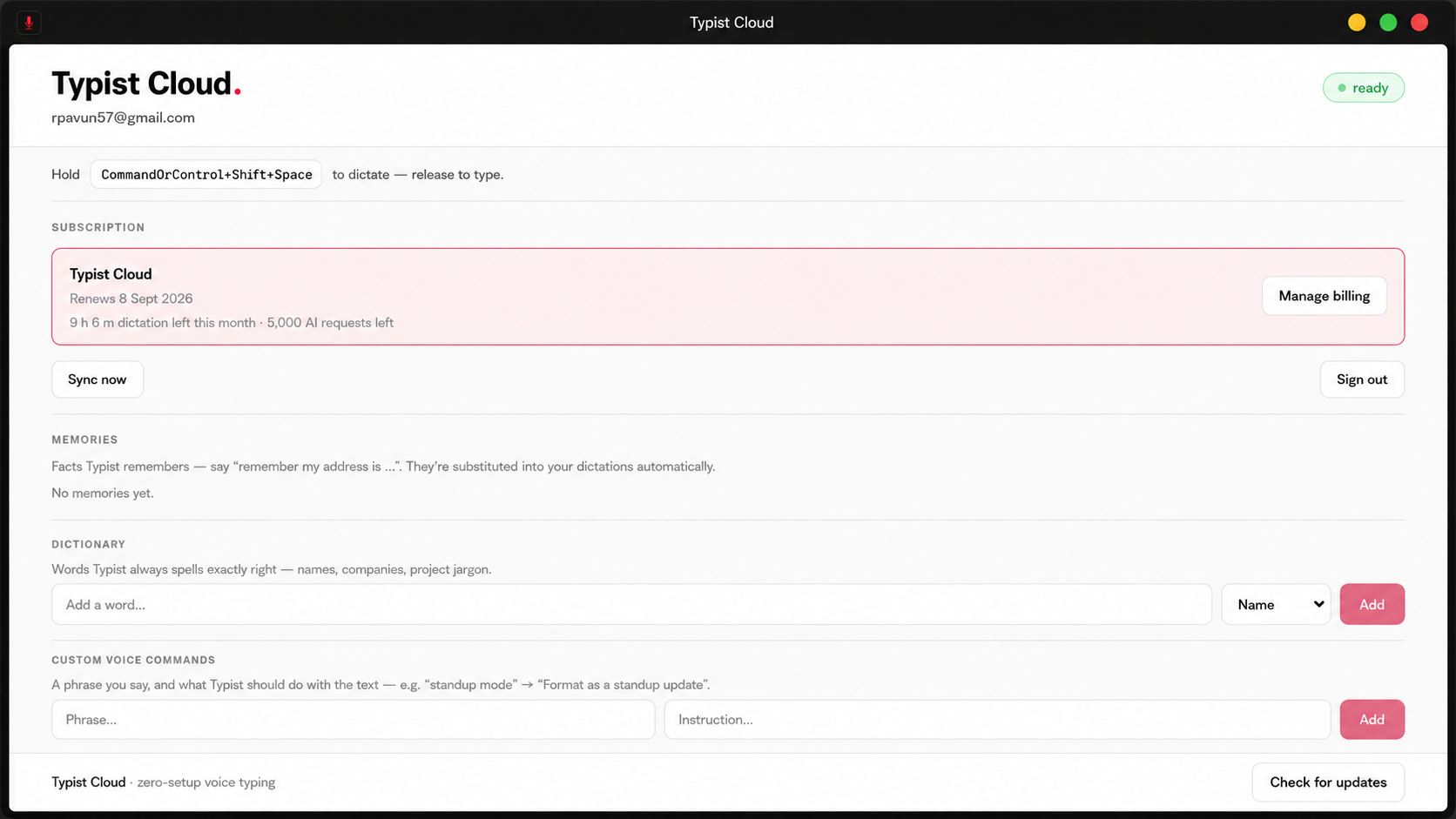
Typist Cloud in action — press the hotkey, speak, and polished text lands at your cursor

A voice assistant that types, sends, remembers, and fixes your code.

⌨️

Voice commands

Say “send this” and your message is typed and sent. “Undo that”, “new line”, “select all”. Keystrokes, not just words.

🧠

Memory

“Remember my address is X” saves it forever. Later, “type my address” drops it at your cursor. View and delete facts anytime.

👁️

Screen-aware help

“Solve this” screenshots the error, reads it, and types the fix at your cursor. Errors, emails, forms — anything on screen.

🧭

Context-aware typing

Paragraphs in email, one casual line in chat, literal text in your IDE. Typist Cloud knows which app you are dictating into and formats for it.

🗣️

99+ languages

Auto-detect, or pin English, Hindi, Tamil, Telugu, Bengali, Kannada, Malayalam, Marathi, Gujarati, Punjabi, Odia, and more.

🔐

Private by design

Audio is proxied over TLS, transcribed in memory, and never stored. Your dictation text goes to the model and back — nothing is logged, nothing is kept.
Talk like you normally would.

You say“hey Pavun the meeting moved to 4, send this”
→Types Hey Pavun, the meeting moved to 4. and presses Enter. Sent.
You say“remember my wifi password is blue turtle 42”
→Saved. Later, “type my wifi password” types it at your cursor.
You say“undo that”
→Presses Ctrl+Z. Also: redo, select all, scratch that, new line.
You say“solve this (error on screen)”
→Reads the screen, reasons about it, types the fix:const total = items.reduce((s, i) => s + i.price, 0)

We run everything.

Speech-to-text, the AI writing pass, screen help, memory sync — all hosted for you on Typist Cloud. There is nothing to configure: no API keys, no models to download, no servers to babysit. Subscribe, sign in, dictate.

Three keys to a sent message.

01

Press the hotkey

From any app, any input field. A small pill shows Typist Cloud is listening. Click it to cancel.

02

Speak naturally

Dictate a message, a command, a fact to remember, or ask for help with what is on screen.

03

Press again. Done.

The transcript is polished and typed at your cursor. It is on your clipboard too, just in case.

All platforms.

Grab Typist Cloud for your OS. Unsigned builds need one extra click to open the first time; instructions are on the release page.

🪟 WindowsTypist-Cloud-Setup.exeDownload →🍎 macOSTypist-Cloud.dmgDownload →
🐧 LinuxInstall from the terminalcurl -fsSL https://typist.cloud/install.sh | bashWorks on Ubuntu · Debian · Fedora · Arch. Uninstall anytime: curl -fsSL https://typist.cloud/uninstall.sh | bashor download directly: .deb · AppImage